Adata SH14 Instrukcja Użytkownika Strona 12
- Strona / 18
- Spis treści
- ROZWIĄZYWANIE PROBLEMÓW
- BOOKMARKI

- Introduction 1
- Read Me First 2
- Table of Contents 3
- Handling Precautions User’s 4
- Installation Related 5
- Data cable Usage 5
- Superior SH14 6
- Custody Related 7
- Safely Remove Hardware 7
- Specifications 8
- Connecting your SH14 9
- Using your SH14 11
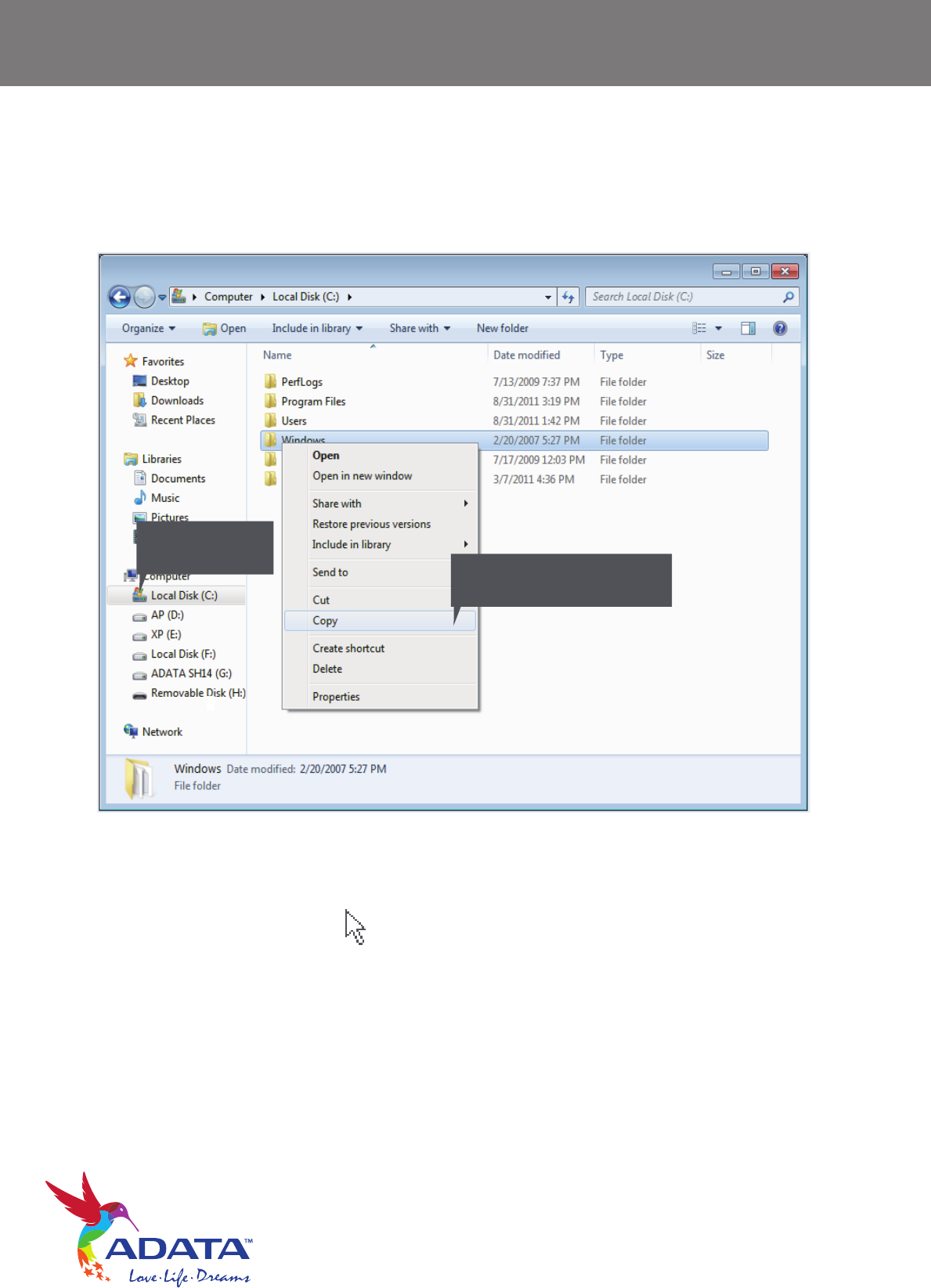
- From this side, click 12
- Temp folder and choose Copy 12
- SH14 drive 13
- Safely Removing your SH14 14
- SH14 Software Download 15
- Troubleshooting 15
- Product Certifications 16
- Warranty Information 17
Powiązane produkty i podręczniki dla Akcesoria komputerowe Adata SH14


 (30 strony)
© 2020, manymanuals.pl. Wszelkie prawa zastrzeżone. | 0.056 s |
 Manymanuals.com
 Manymanuals.de
 Manymanuals.fr
 Manymanuals.it
 Manymanuals.pl
 Manymanuals.cz
 Manymanuals.es
 Manymanuals-pt.com
Komentarze do niniejszej Instrukcji